Lithium-ion batteries used in HP notebook computers Recalled for Fire Hazard
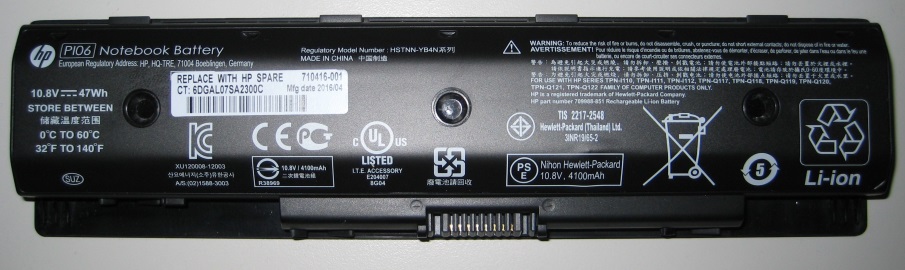
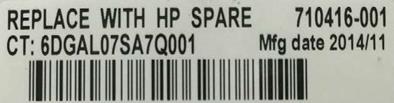
Hazard
The batteries can overheat, posing fire and burn hazards.
What You Should Do
Consumers should immediately stop using the recalled batteries, remove them from the notebook computers and contact HP for a free replacement battery. Until a replacement battery is received, consumers should use the notebook computer by plugging it into AC power only. Batteries previously identified as not affected by the June 2016 recall could be included in this expanded announcement. Consumers are urged to recheck their batteries.
HP toll-free at 888-202-4320 from 8 a.m. to 7 p.m. CT Monday through Friday or online at www.HP.com/go/batteryprogram2016 or www.hp.com and click "Recalls" at the bottom of the page for more information.
Get a free legal consultation about this recall.
Talk to a Lawyer →Affiliate link
Products
Injuries & Incidents
- HP has received one additional report of the battery overheating, melting and charring and causing about $1,000 in property damage