ThinkPad notebook computer battery packs Recalled for Fire Hazard
Hazard
The battery packs can overheat, posing a fire hazard.
What You Should Do
Remedy
Consumers should immediately turn off their ThinkPad notebook computer, remove the battery pack and contact Lenovo for a free replacement battery pack. Consumers can continue to use their ThinkPad notebook without the battery pack by plugging in the AC adapter and power cord.
Consumer Contact
Lenovo at (800) 426-7378 from 9 a.m. to 5 p.m. ET Monday through Friday or online at www.lenovo.com and select Support at the top of the page, then click on the link to the recall page in the News and Alerts section at the bottom right of the page for more information.
Affected by this recall?
Get a free legal consultation about this recall.
Talk to a Lawyer →Affiliate link
Products
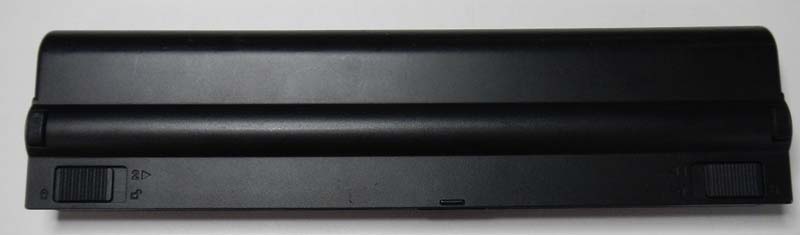
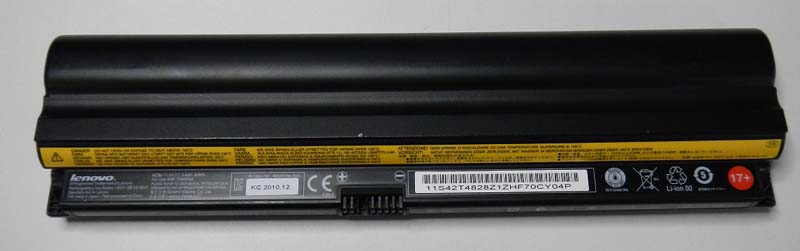
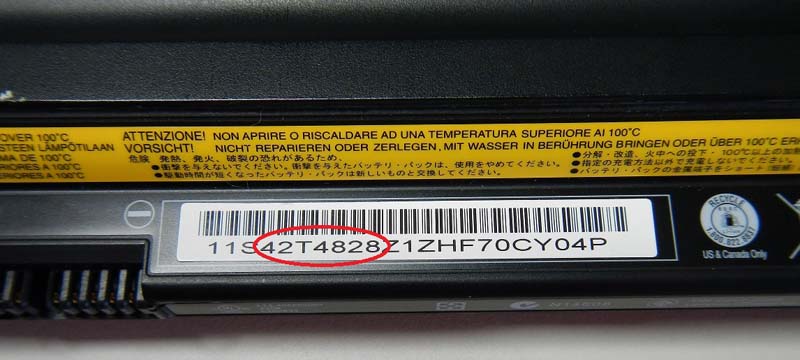
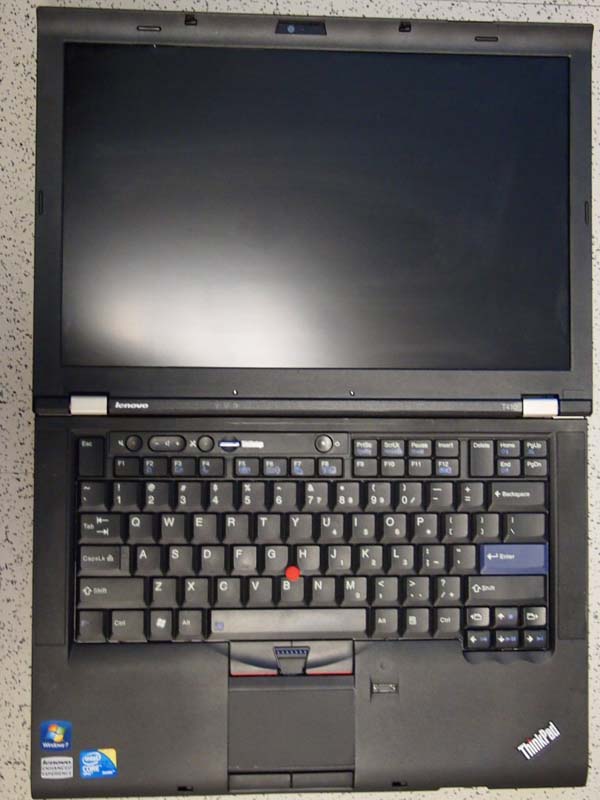
ThinkPad notebook computer battery packs
Injuries & Incidents
- Lenovo has received four reports of incidents of battery packs overheating and damaging the computers, battery packs and surrounding property. One incident included a consumer's skin being reddened and burn marks on the consumer's clothing.